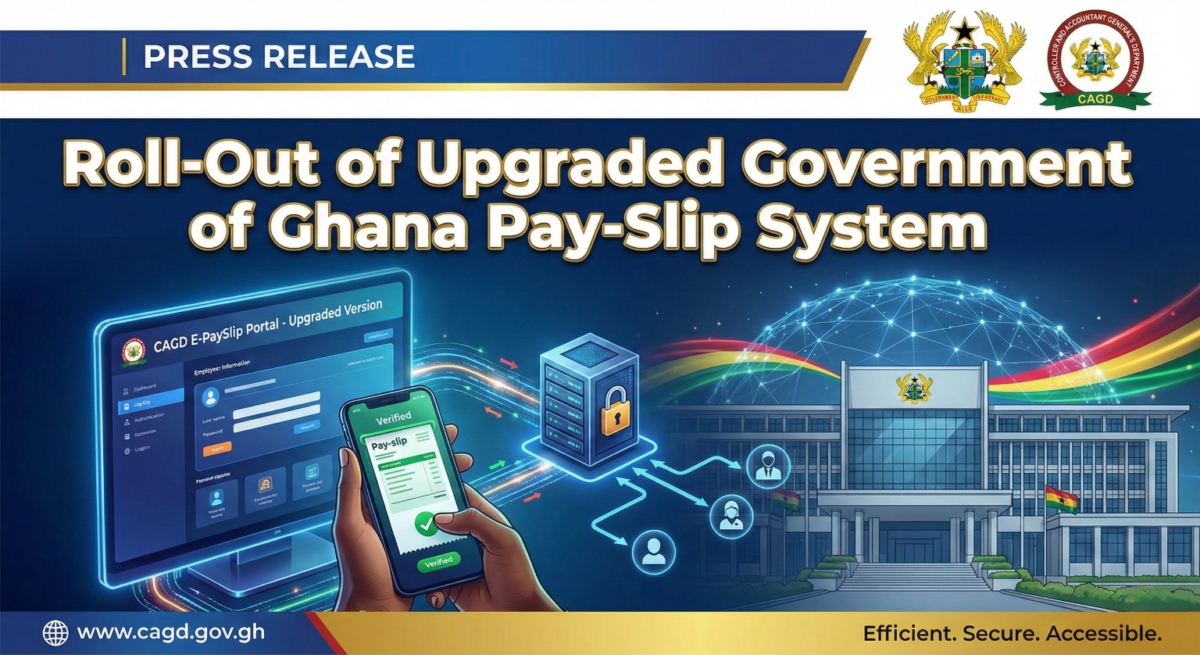
The Controller and Accountant-General’s Department (CAGD) has officially deployed an upgraded Government of Ghana (GoG) electronic pay-slip system for all public sector employees paid through the National Payroll.
According to the CAGD, this upgrade is aimed at improving security, transparency, and easier access to payroll information for government workers across the country.
What’s New In The Current GoG Pay-Slip System?
Ghana Card (NIA Number) Now Required for Registration on the GoG Pay-Slip System
All employees must use their National Identification Authority (NIA) number, as indicated on the Ghana Card, to access the system.
This measure strengthens identity verification and ensures accurate payroll data protection.
How to Access and Register on the New GoG Pay-Slip Portal
Follow these steps carefully:
- Visit: https://gogepayservices.com
- Click “Forgot Password”
- Enter your Employee Number (Staff ID)
- Enter your Ghana Card (NIA) Number for verification (Do Not Include the GHA and dashes -)
- Confirm your details
- Add or update your phone number (compulsory – make sure your number accurate and ACTIVE)
- Adding/updating email is optional
- Enter the OTP (One-Time Password) sent to your phone
- Create a new password
- Confirm the password
- Select a security question (the security question will help you to reset your password in future)
- Provide a secure answer (Keep this private for future password resets)
- Review your information on the summary page
- Tick the confirmation checkbox
- Click Register to complete sign-up
You can Watch this Video Tutorial to Understand the New GoG Payslip Process Better
A step-by-step instructional video has been provided to guide employees through the process.