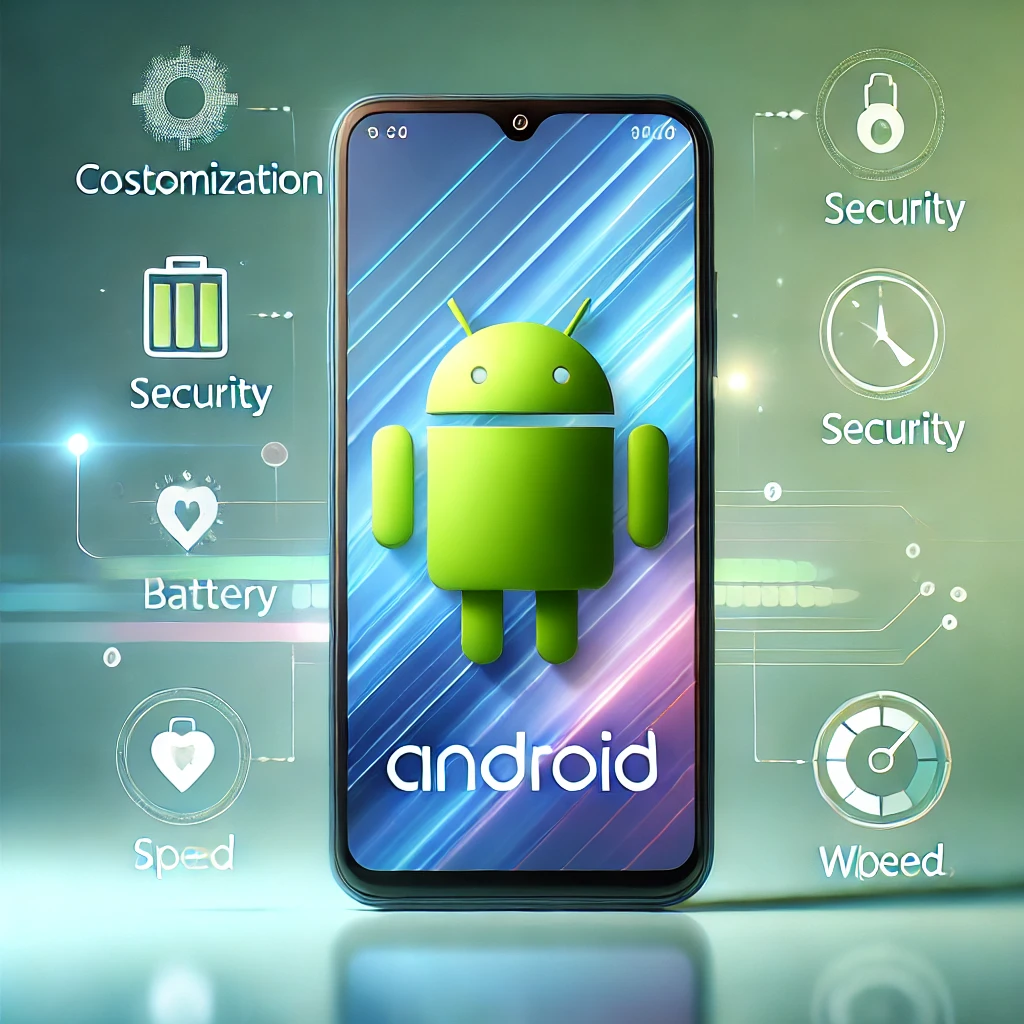
Smartphones have become indispensable tools in our lives, and Android devices stand out for their versatility and customization. Yet, many users miss out on hidden features and optimizations that can significantly enhance their experience. Whether you’re a tech enthusiast or a casual user, these five DIY hacks can transform your Android device from functional to extraordinary. Let’s dive into simple yet effective ways to maximize your device’s performance, battery life, and security while personalizing it to suit your lifestyle.
1. Optimize Battery Life with Smart Settings
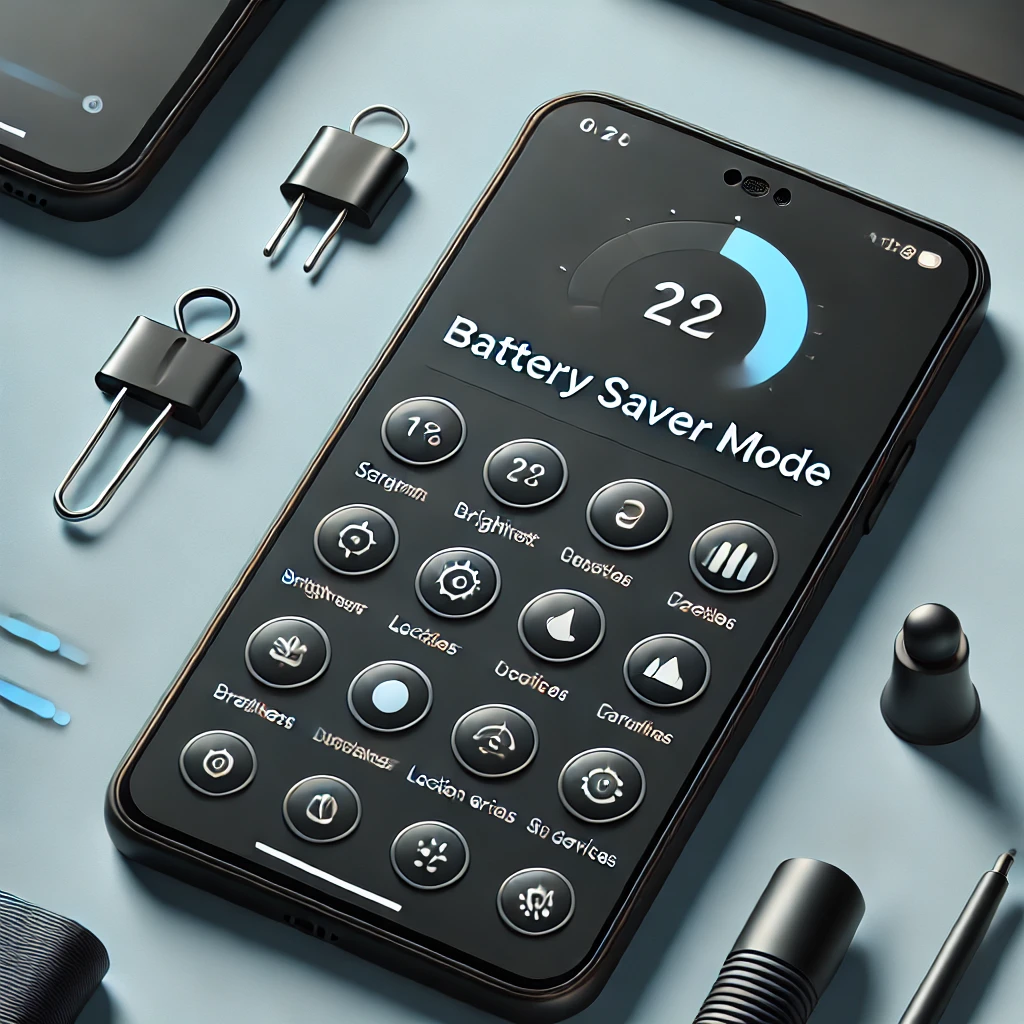
Keeping your device powered throughout the day is easier than you think. Follow these quick steps:
- Activate Battery Saver Mode: Head to Settings > Battery and enable “Battery Saver.” This feature limits background activity, extending your device’s battery life when you need it most.
- Adjust Screen Brightness Manually: Ditch auto-brightness, which often overuses power. Set your brightness to a comfortable level or lower it when indoors.
- Manage Apps: Identify apps draining your battery under Settings > Battery Usage. Uninstall unused apps or restrict background activity for essential ones.
- Enable Dark Mode: On devices with OLED screens, this can save power while giving your phone a sleek look.
- Disable Location Services for Unnecessary Apps: GPS is a battery hog. Turn it off for apps that don’t need it.
By fine-tuning these settings, your device will stay powered longer and perform more efficiently.
2. Speed Up Your Device: Tips for Improving Performance
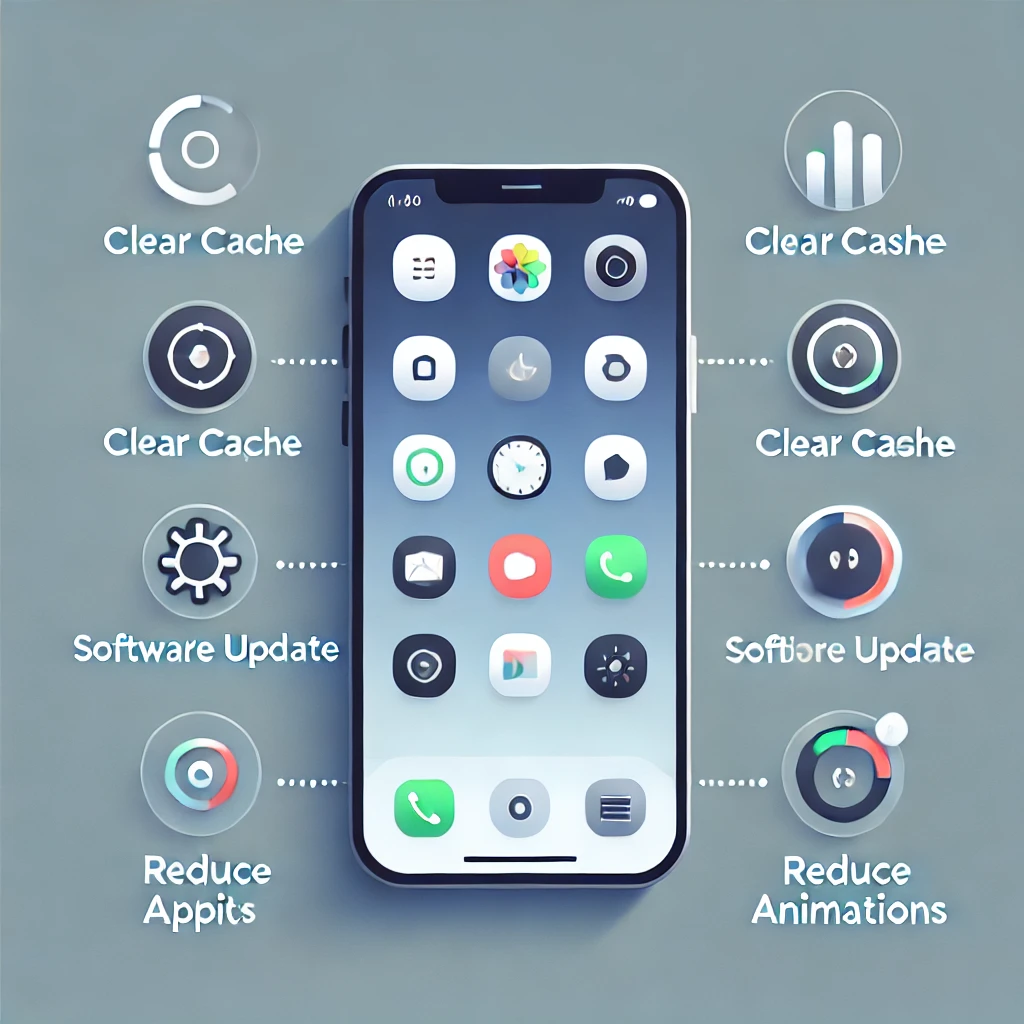
A sluggish phone can be frustrating, but these tweaks can breathe new life into your Android:
- Declutter Your Home Screen: Remove unnecessary widgets and apps to free up RAM and storage.
- Uninstall Unused Apps: Less clutter means faster performance.
- Clear Cached Data: Go to Settings > Storage and clear the cache of apps that slow your device.
- Update Software Regularly: Software updates often improve performance and fix bugs.
- Reduce Animations: Enable “Developer Options” (Settings > About Phone > Tap Build Number 7 times) and adjust or disable window and transition animations for a snappier interface.
With these steps, your Android will run smoother, making daily tasks more enjoyable.
3. Personalize Your Home Screen for Efficiency
Your home screen is your gateway to productivity. Here’s how to make it work better for you:
- Organize Apps into Folders: Group apps by category—Work, Social, Entertainment—for easier navigation.
- Add Widgets: Use widgets like weather updates, calendars, or to-do lists for quick access to important information.
- Customize Themes and Wallpapers: Choose calming or vibrant visuals to set the tone for your day.
- Enable the App Drawer: Hide less frequently used apps, keeping your home screen neat and focused.
With a tailored home screen, you’ll save time and streamline your workflow.
4. Enhance Security with Simple Hacks
Protect your data and privacy with these essential security tips:
- Enable Two-Factor Authentication (2FA): Add an extra layer of protection to apps by linking them to an authenticator app or receiving SMS codes.
- Review App Permissions: Go to Settings > Apps and revoke unnecessary permissions like location or contacts for apps that don’t need them.
- Install a Trusted Security App: Use a reliable app to scan for vulnerabilities and protect against malware.
- Update Your Device Regularly: Ensure your device is running the latest software to patch security flaws.
- Use a VPN on Public Wi-Fi: Secure your browsing with a VPN to encrypt your data and prevent hackers from intercepting it.
Taking these steps will give you peace of mind, knowing your device and personal information are safe.
By incorporating these DIY hacks, you’ll unlock the true potential of your Android device. From longer battery life and faster performance to a personalized interface and enhanced security, these simple tips can transform your smartphone into an indispensable tool tailored to your needs. Start experimenting with these tricks today and experience a whole new level of functionality!
Would you like further tweaks? Comment in the comment section below.